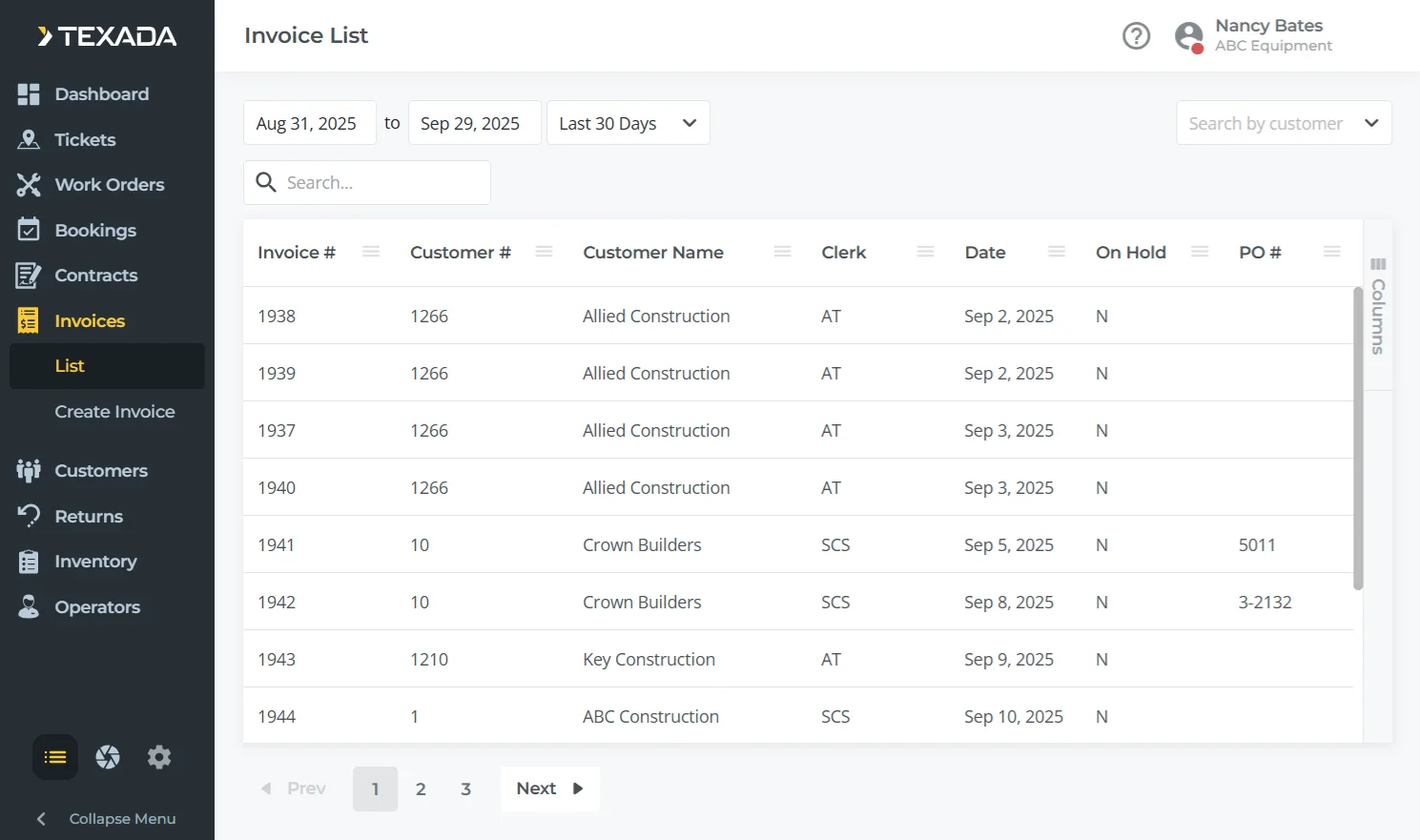
Accounts Receivable (A/R) in Financials (Classic) provides a complete, integrated system for managing customer billing, payments, and credit activity. It streamlines invoicing, tracks outstanding balances, automates payment workflows, and supports accurate financial reporting across your entire equipment business.
Key Features:
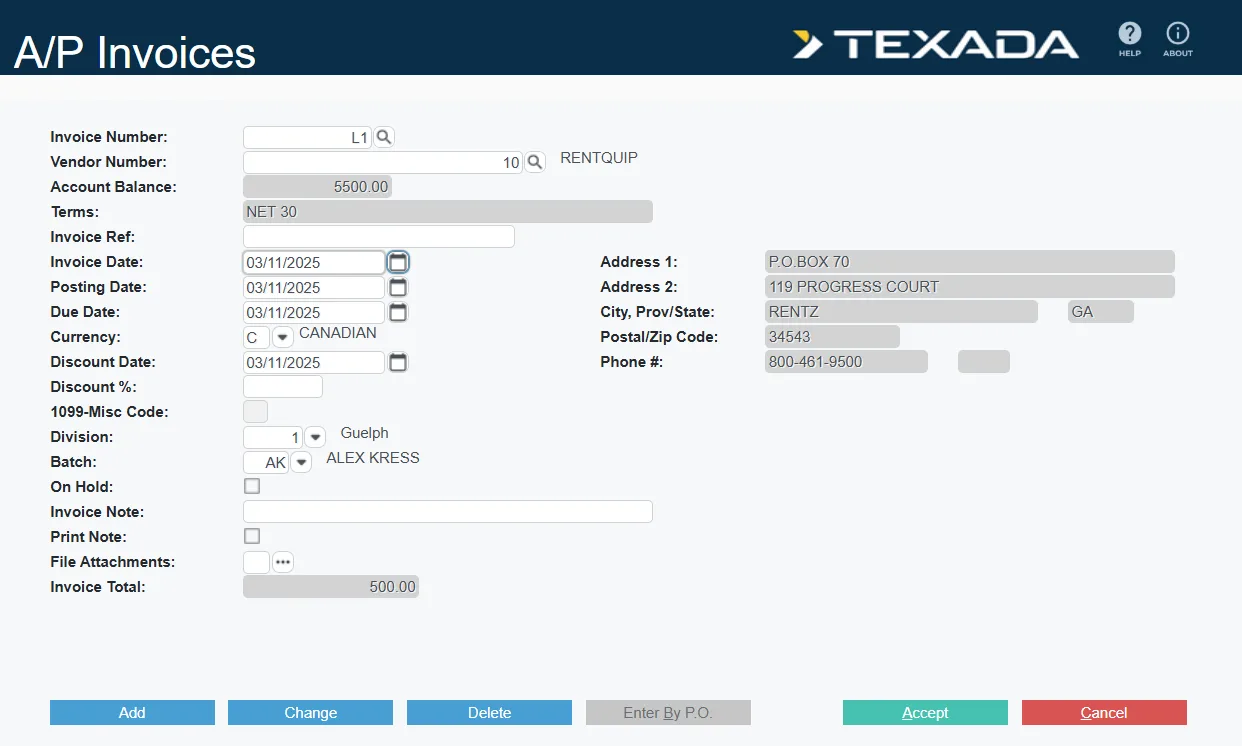
Accounts Payable (A/P) in Financials (Classic) manages everything related to vendor billing and payments, from entering Invoices and recurring expenses to generating checks and complying with reporting requirements, while keeping your sub-ledger and General Ledger in sync.
Key Features:
The General Ledger module is the central hub for all financial activity in SRF, gathering postings from every module and providing the tools needed to manage periods, post journals, reconcile bank accounts, and produce accurate financial statements.
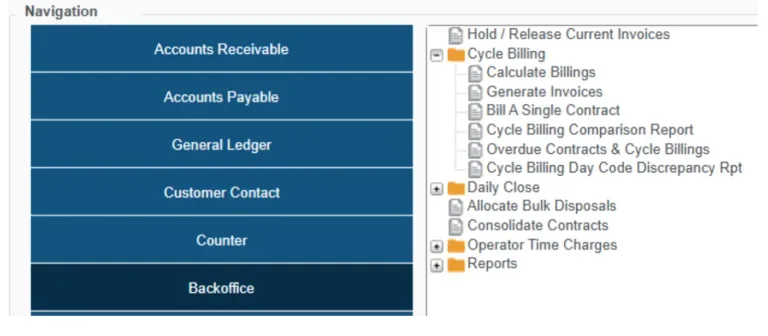
The Backoffice module in Financials (Classic) controls how Invoices move through their lifecycle in Service, Rental, and Financials—from recurring and Contract-based billing, to cash balancing and final posting into A/R and the G/L—while also handling specialized billing like operator time charges.
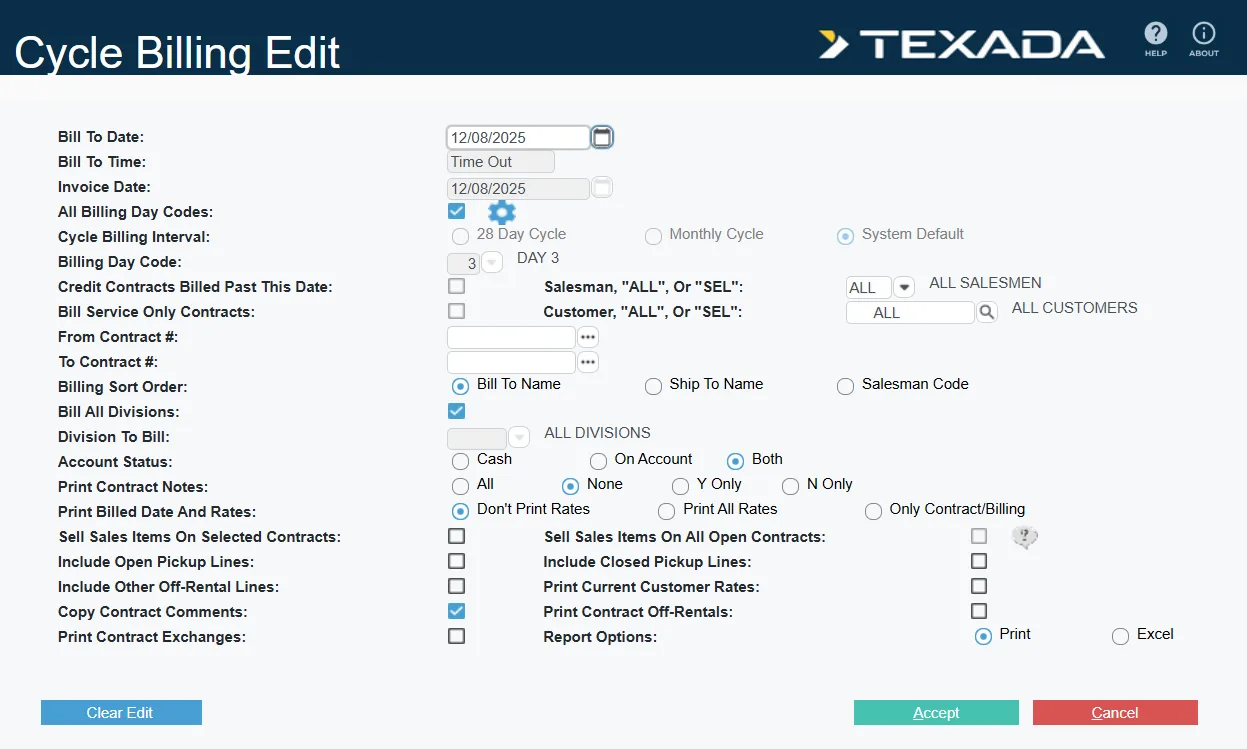
Cycle Billing lets you bill long-running rental Contracts on a regular schedule without closing them, so you get predictable cash flow and customers get clear, consistent Invoices. It supports both automated batch runs for many Contracts and interactive billing for a single Contract, all while respecting your billing rules, rates, and security controls.
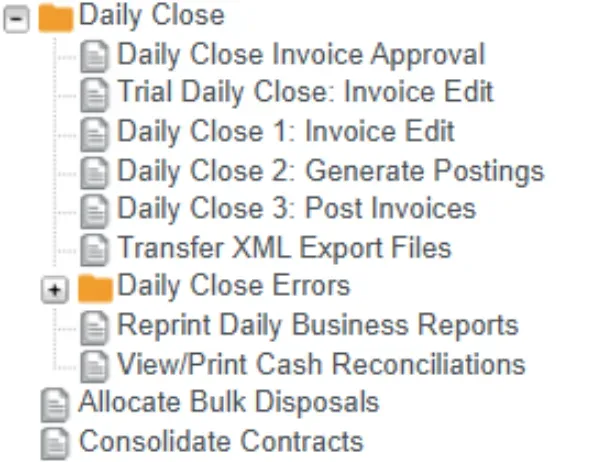
The daily close process is a critical step in ensuring accurate financial records and smooth operations. It involves multiple stages, from initial Invoice entry to final posting. Invoices are categorized into three states: Current, Batch, and History. Current Invoices are those that have not yet been processed, while Batch Invoices are those that have been accepted but not yet posted.
History Invoices are those that have been successfully posted to the General Ledger and sub-ledgers.
The daily close process typically involves three main steps that can easily be performed in Financials (Classic).
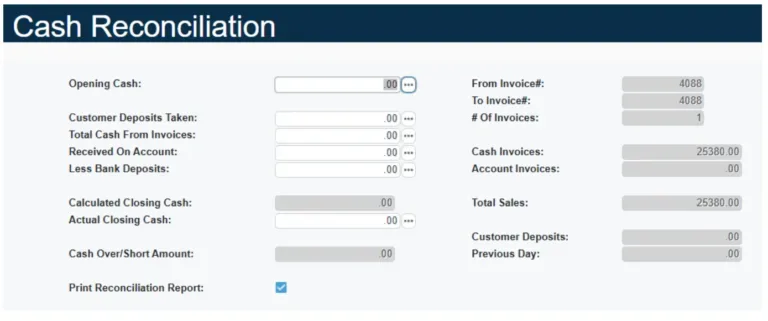
Cash reconciliation is the process of ensuring that all cash transactions recorded in the system match the actual cash collected or deposited. It is a critical step to ensure financial accuracy and identify any discrepancies. The main stages of cash reconciliation are: