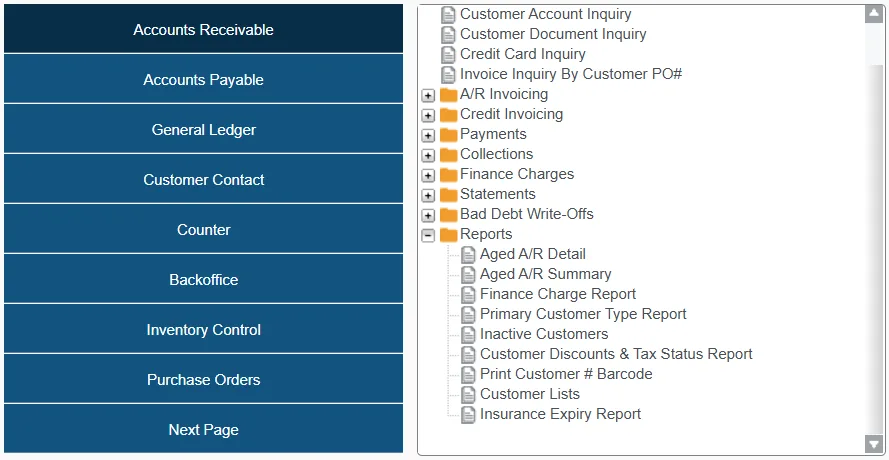
Accounts Receivable reports give you insight into customer balances, payment activity, and overall credit exposure. They help you track outstanding Invoices, monitor customer behavior, and identify trends that support collections, credit decisions, and financial planning.
Examples include:
Aged A/R Summary: Provides a summary of unpaid Invoices across all customers, grouping outstanding payments into aging buckets (current, 31-60, 61-90, and over 90 days).
Aged A/R Detail: Provides a detailed breakdown of unpaid balances across customers and documents, showing the due date, amount paid, and amount owing for each document.
Inactive Customers: Identifies customers that have not spent the specified amount of rental dollars within the selected date range.
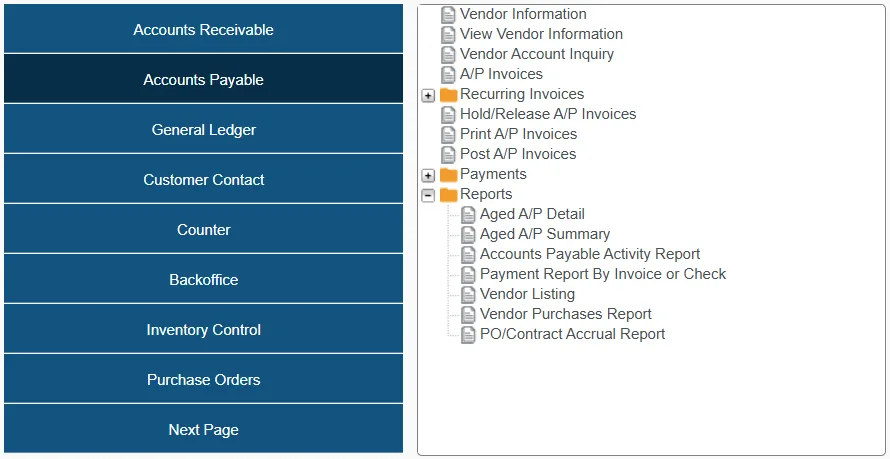
Accounts Payable reports allow you to track outstanding payments to vendors, ensuring timely settlements and maintaining healthy supplier relationships.
Examples of Accounts Payable reports include:
Aged A/P Summary: Summarizes outstanding outgoing payments by vendor, grouped into aging buckets (current, 31-60, 61-90, and over 90 days).
Aged A/P Detail: Provides a detailed breakdown of unpaid Invoices by vendor, including Invoice number and due date for each transaction.
Vendor Listing: Quickly print the names, phone numbers, and sales contacts of all vendors that your organization has purchased from.
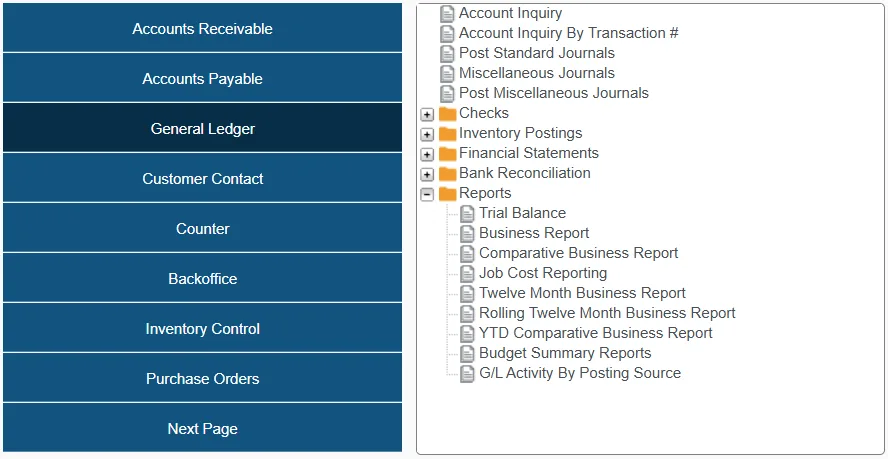
General Ledger reports provide a range of financial insights – from high-level summaries to detailed transactional activity – helping you analyze performance, compare periods, and monitor budgets.
Examples of General Ledger reports include:
Trial Balance: This report offers two different views – summary and detail – for reporting on G/L activity within a given period.
Business Report: This report lets you generate fully customizable financial reports – such as cash position or sales performance – using flexible layouts and a date range of your choosing.
Budget Summary Report: Report on your organization’s yearly budget.
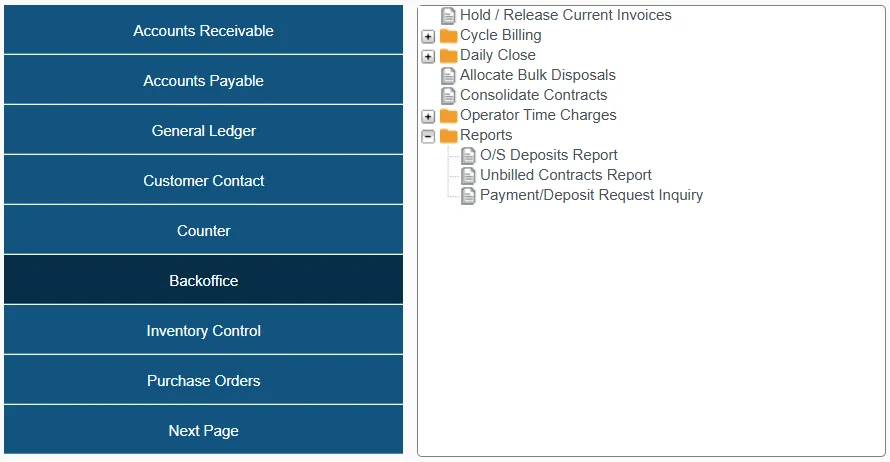
Backoffice offers three reports for querying outstanding deposits, unbilled Contracts, and outstanding Payments Deposit Requests:
O/S Deposits Report: Lists outstanding deposits by document, customer, date, and deposit amount.
Unbilled Contracts Report: Lists unbilled Contracts, including a breakdown of Products, costs, and date out / date due for each.
Payment/Deposit Request Inquiry: This report can be used to track all ‘Deposit Requests’ that have been sent out via Payments and are currently outstanding for follow-up with the customer.
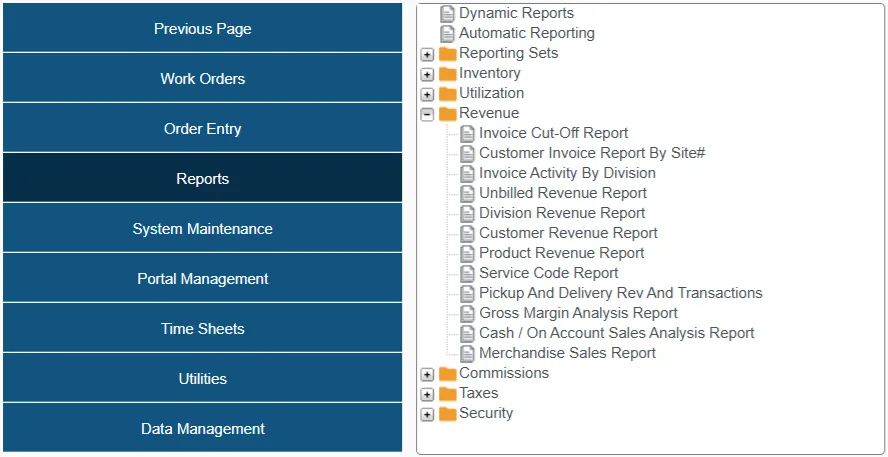
Miscellaneous revenue reports can be found under Reports → Revenue in Financials (Classic). These reports offer insights into your organization’s revenue, including:
Invoice Cut-Off Report: List Invoices in a selected Customer range, a selected division, and selected date range, above or below the specified dollar amount, in ascending or descending order.
Unbilled Revenue Report: This report can help you identify and estimate potential revenue earned on Contracts and Invoices that have not yet been billed.
Customer Revenue Report: Provides a summary of revenue by Customer, broken out into rental, sales, and service.