In the equipment industry, every role plays a vital part in keeping operations running smoothly. Warehouse teams ensure assets are organized, prepared, and ready for deployment. Drivers perform Deliveries and Pickups, and Mechanics complete Work Orders and Inspections. Counter staff support customers directly, creating Contracts, coordinating schedules, and providing essential guidance. Backoffice and accounting teams maintain financial accuracy, oversee billing, and keep business processes on track.
Together, these groups form the backbone of your organization. Texada’s connected solutions empower each function to work efficiently, share information, and deliver exceptional service—strengthening your operational performance and your competitive edge.
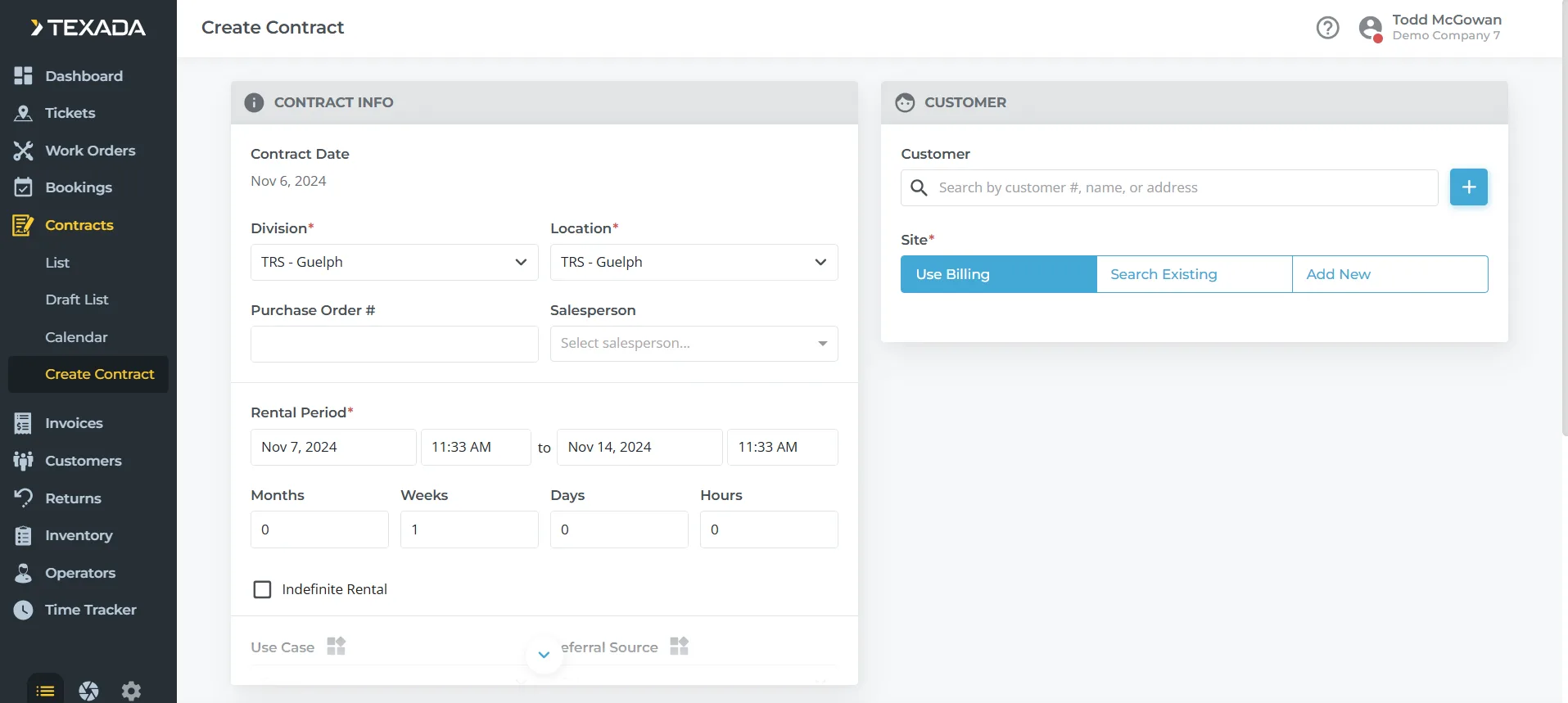
Contract Creation and Management:Quickly generate and manage rental Contracts, including terms, durations, and renewals, ensuring that each Contract is tailored to the client’s needs.
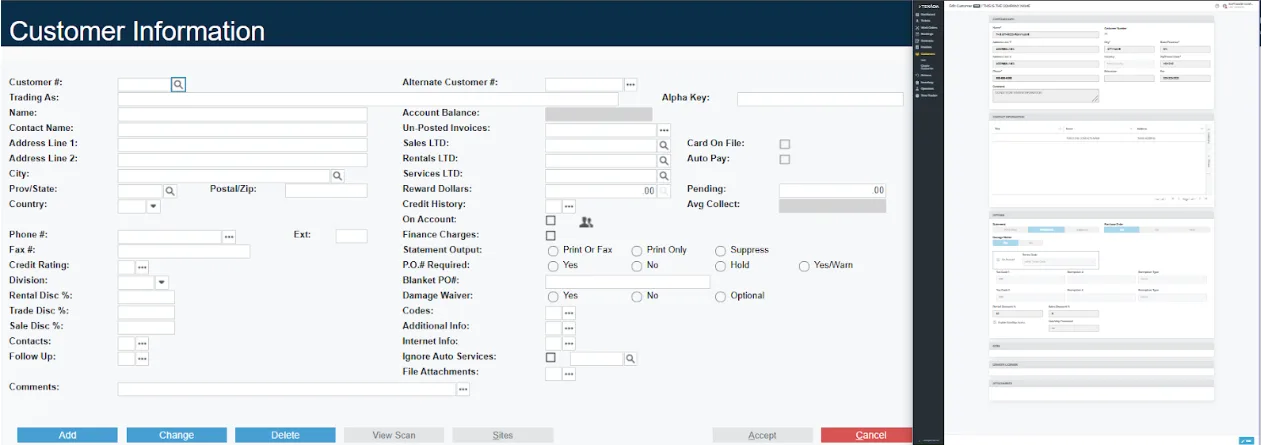
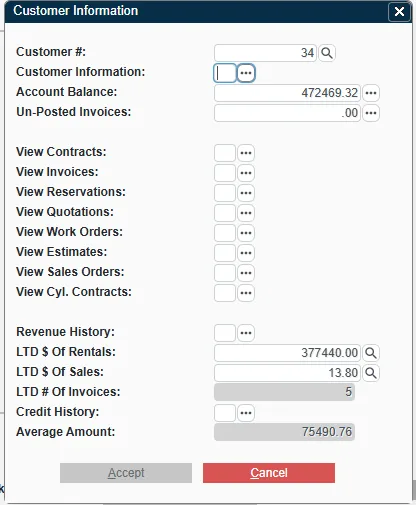
Access Customer Profiles:Review detailed customer profiles, including rental history, payment status, and preferences, to offer personalized recommendations and enhance the customer experience.
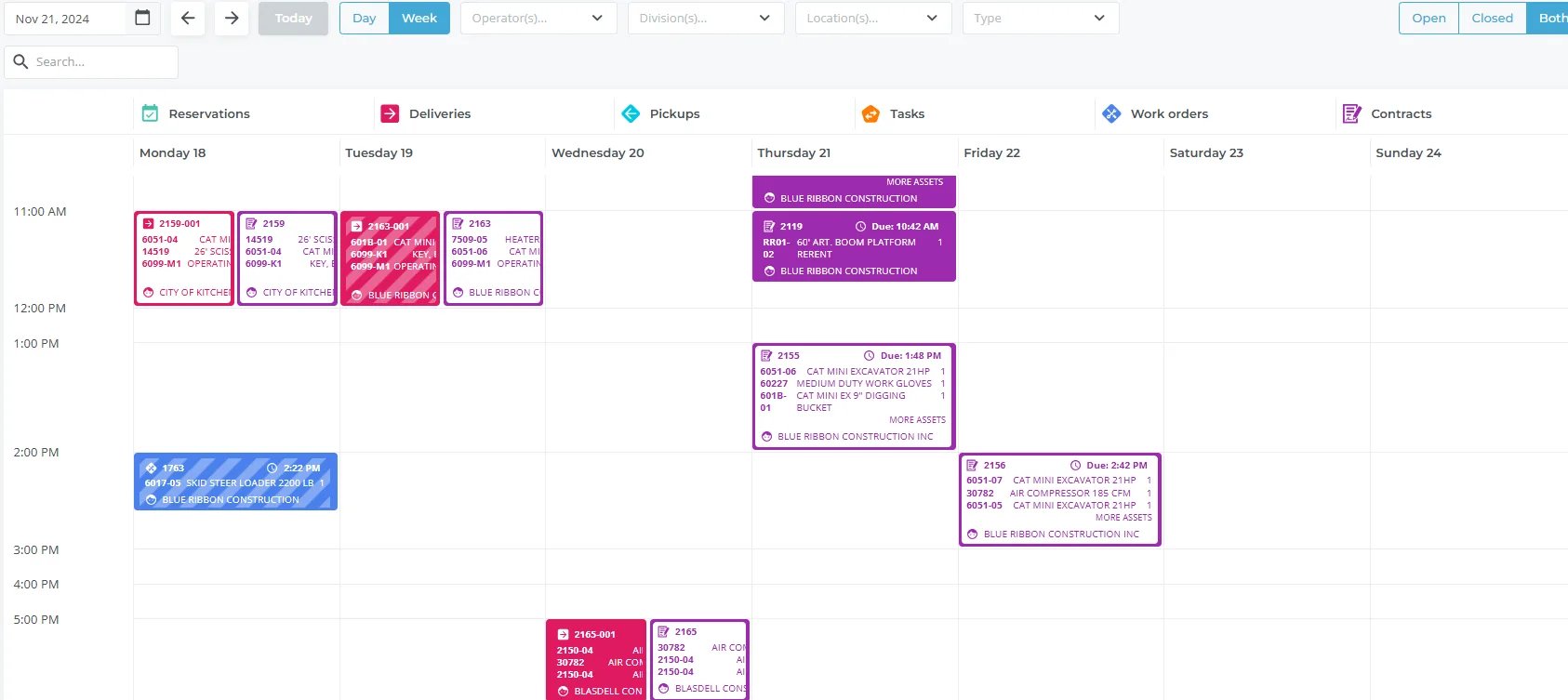
Track Equipment Availability:Use Service, Rental and Financials (Next)’s real-time availability calendar to view equipment schedules, preventing double-booking and helping to manage reservations efficiently.
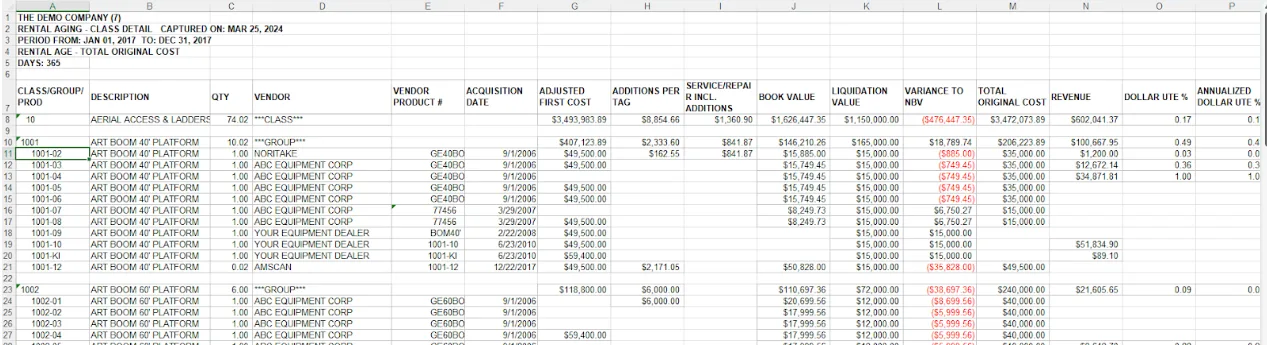
Track Fleet Utilization:Analyze fleet utilization rates to identify high-demand assets and improve fleet allocation, ensuring optimal use of resources and reducing idle time.
Allocate Resources:Manage resource allocation based on real-time inventory and demand insights, helping to plan for peak rental periods and optimize asset usage across locations.
Monitor Assets and Alerts:Monitor real-time equipment status, reviewing critical issues such as overdue returns, overbooked groups or maintenance needs to address operational disruptions before they impact service.
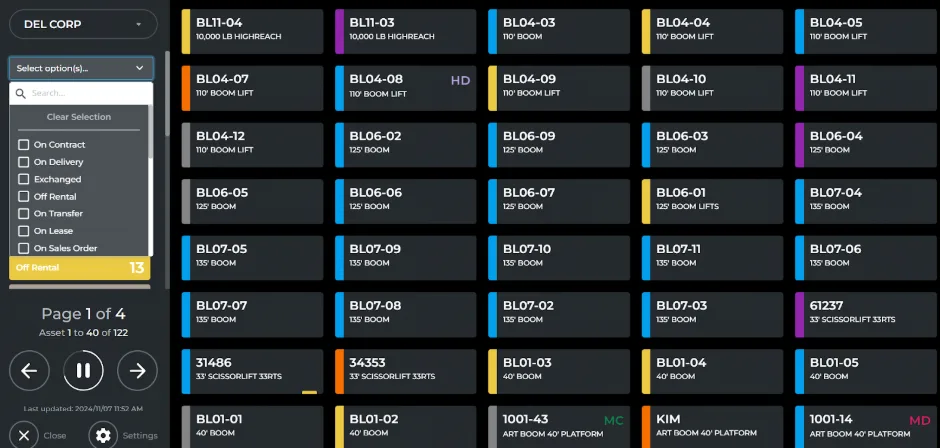
Monitor Stock Levels and Availability:Track current stock levels and item locations, ensuring that inventory is readily available to meet customer demand and facilitate quick order fulfillment.
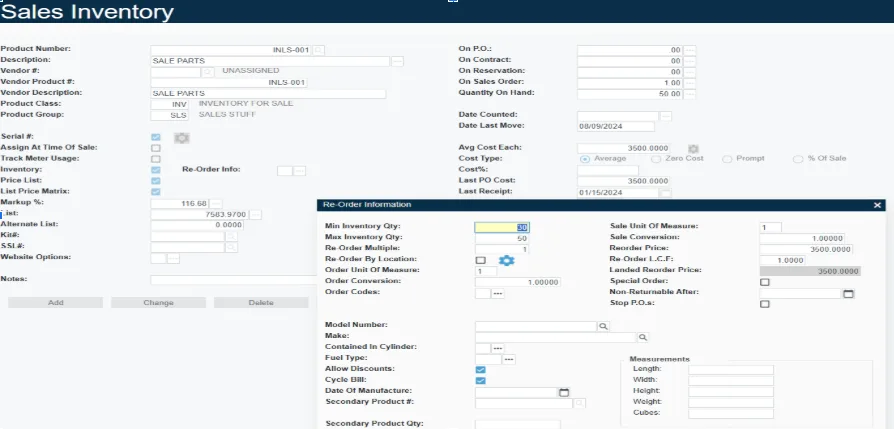
Establish Automated Reorder Thresholds:Set and monitor reorder thresholds that trigger alerts when stock dips below a set point, preventing stockouts and ensuring availability during high-demand periods.
Track Inventory Location:Track the exact locations of equipment and parts across all branches to facilitate inter-branch transfers, ensuring that inventory gets where it’s needed most
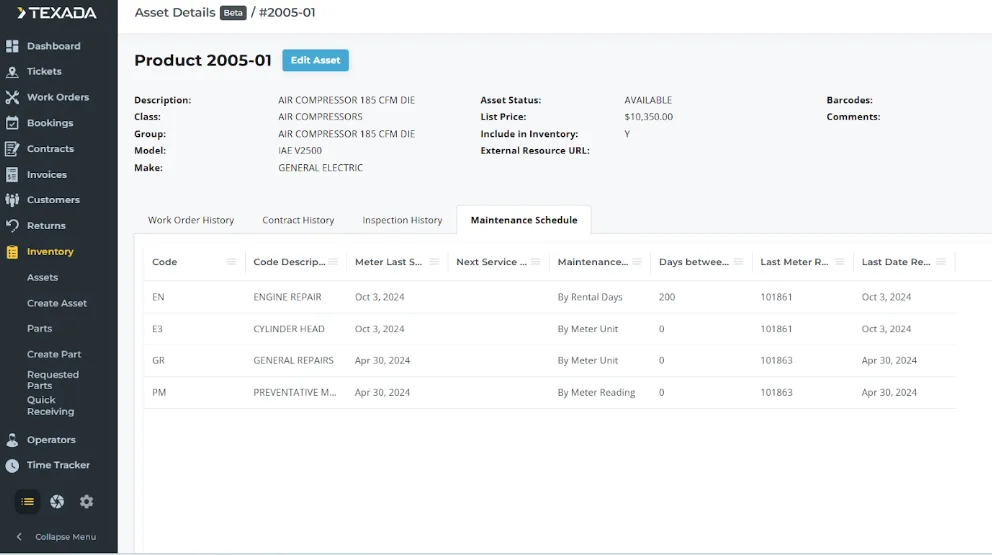
Schedule Preventative Maintenance:Schedule regular maintenance automatically based on usage data, helping to keep equipment operational, reduce unexpected breakdowns, and maximize lifespan.
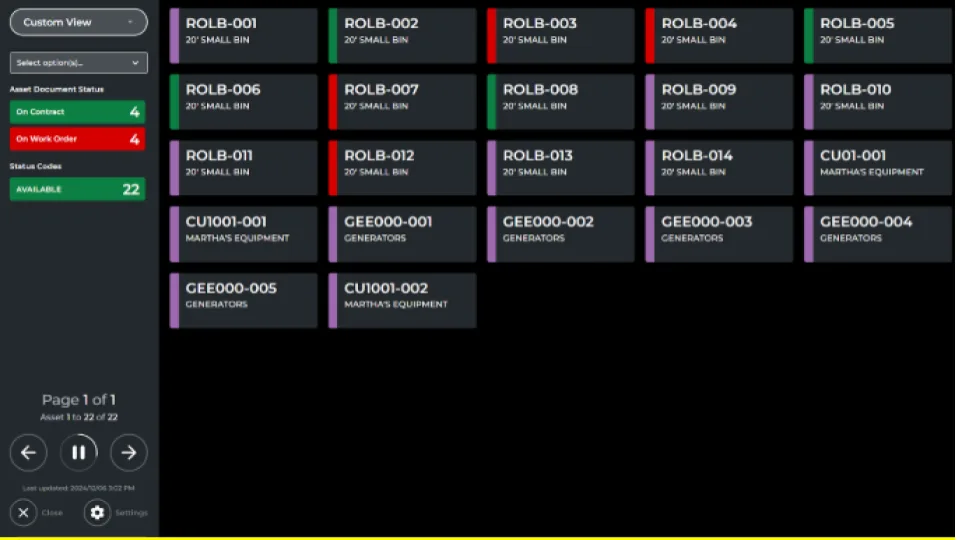
Check Equipment Status:Review real-time equipment statuses, including details on active, reserved, or under-maintenance assets, allowing for better planning and resource allocation.
Track Utilization: Analyze the rental frequency of each asset to assess demand trends and make informed decisions on whether to expand, Contract, or redistribute the fleet for efficiency.
Track Customer Relationships with CRM Tools:Use CRM tools to manage customer interactions, track follow-ups, and keep notes on customer preferences.
Generate Quotes:Create detailed, accurate quotes, including custom pricing and terms, enabling the sales team to respond quickly to inquiries and shorten the sales cycle.
Monitor the Sales Pipeline:Monitor the status of leads, open opportunities, and conversion rates within the sales pipeline to identify high-priority prospects and improve conversion.
Review Customer Profiles and History:Accesses customer profiles and rental, purchase, and service histories to provide quick, accurate responses to customer inquiries and resolve issues with a personal touch.
Review Contract Details: Use contract inquiry tools to accurately answer customer questions on rental terms, renewals, and invoicing.
Review Billing and Payment Status:Check billing and payment statuses to provide clear answers to customer billing inquiries and identify any overdue payments for follow-up.
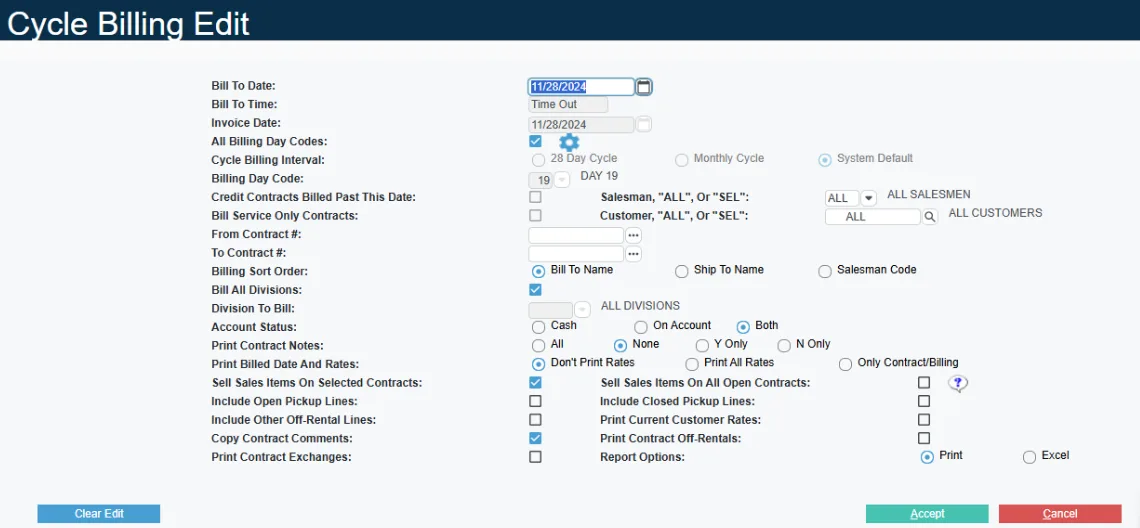
Automate Billing and Invoicing:Generate Invoices automatically, streamlining the billing process, reducing errors, and making monthly closeouts faster and more accurate.
Process Payments:Integrate Payments to process transactions directly within the system, allowing for real-time payment tracking and efficient handling of customer accounts.
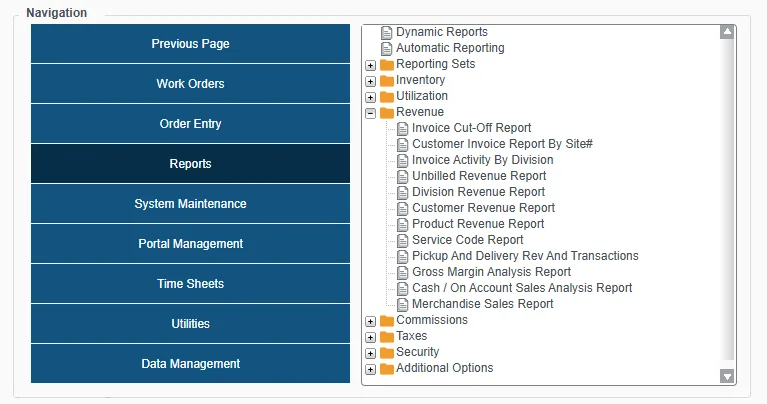
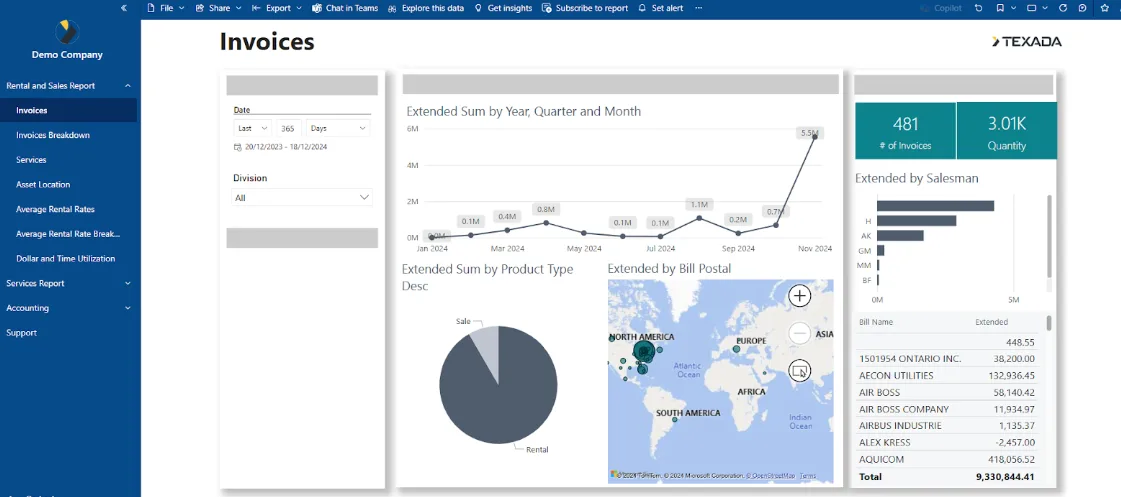
Report on Revenue:Analyze revenue reports to track income, payment status, and financial performance, offering insights to support financial planning and budget forecasting.
Complete Work Orders:Complete Work Orders on both company-owned and customer-owned equipment, including scheduling work, navigating to the job site, requesting parts, and tracking labor hours.
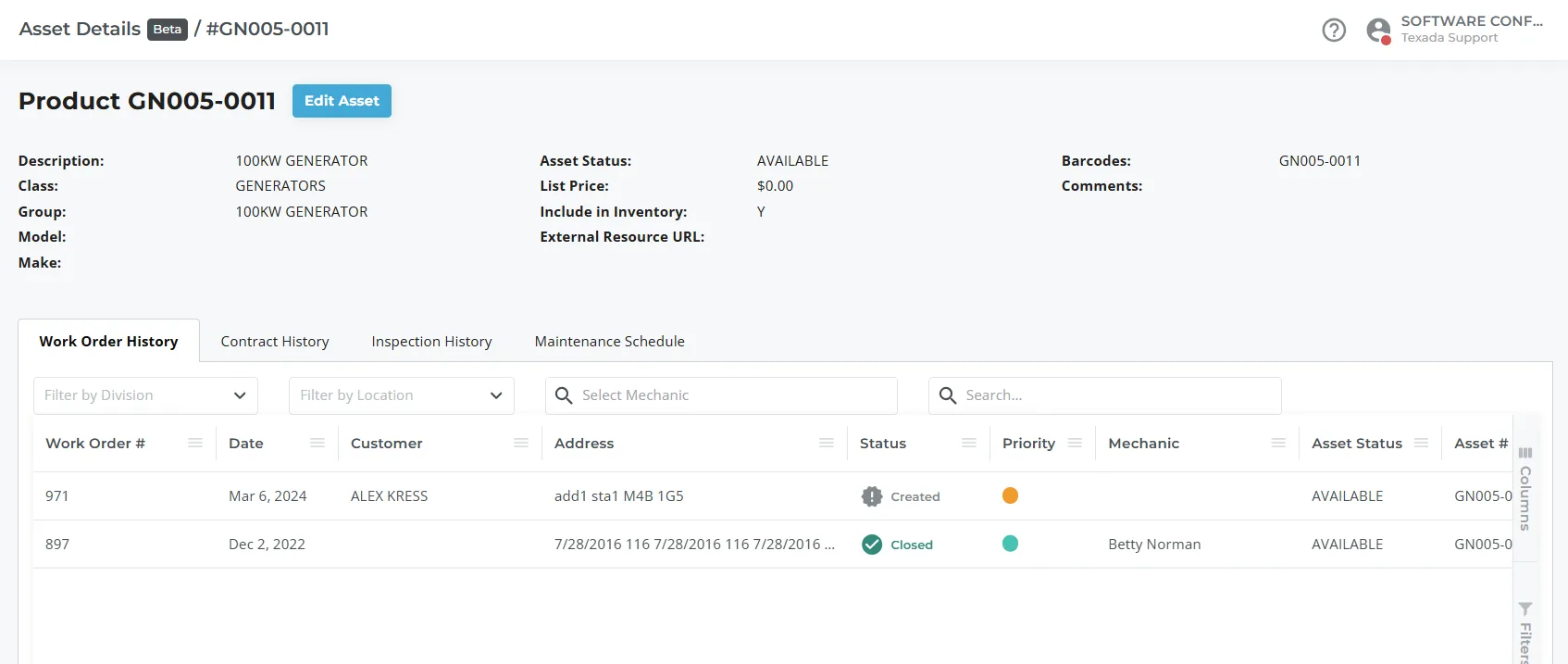
Log Maintenance and Repairs:Create detailed repair histories and preventative maintenance records to track equipment condition and identify recurring issues for long-term care.
Complete Inspections:Fill out digital Inspection forms for completed Work Orders, then have the customer sign off on the Inspection – all from your mobile device.
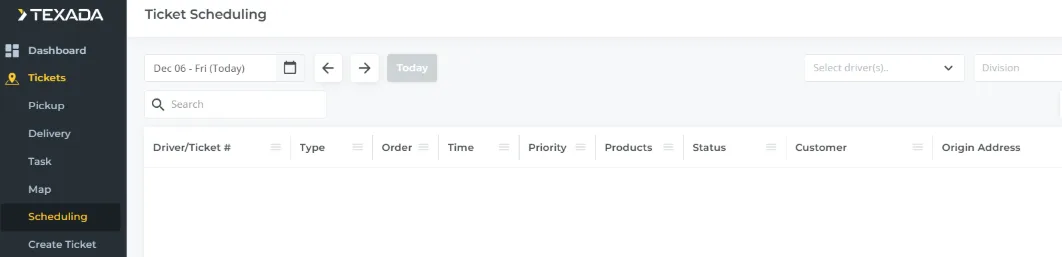
Complete Tickets:Browse Deliveries and Pickups in list view or map view. Open driving directions directly from Service & Rental Mobile, and load/unload assets from a checklist to ensure nothing is missed.
Complete Inspections:Fill out Inspection forms when loading assets, and optionally update them upon arriving at your destination.
Collect Customer Signatures:Have customers sign off on Pickups and Deliveries as they occur. Signatures are logged in Service, Rental, and Financials and copies can optionally be sent to the customer.
View Performance Dashboards:Monitor branch performance metrics to assess branch success and make adjustments as needed.
Get Location-Based Inventory Insights:Access insights on inventory availability and demand specific to their location, allowing for more targeted stock management and improving customer response time.
Report on Revenue:Review revenue reports specific to each branch to track financial performance, identify top-performing assets, and make data-driven adjustments to inventory.
Make Use of Data Analytics and Reporting Tools:Utilize data analytics to extract key metrics and trends, allowing for deep insights into operational efficiency, customer behavior, and financial performance.
Forecast Demand:Analyze historical data along to plan inventory purchases and adjust marketing efforts, ensuring that high-demand equipment is readily available.
Analyse Trends:Conduct trend analysis to understand seasonal variations, popular equipment types, and evolving customer preferences, helping your business meet customer expectations and stay competitive.