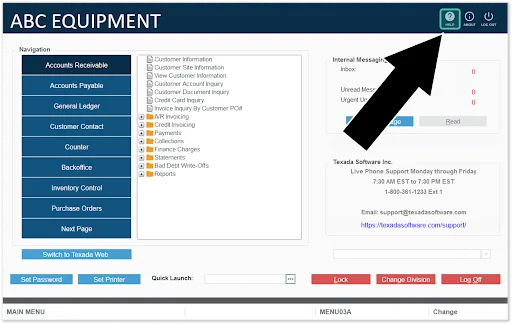
Service Management, Rental Management, and Financials (Classic) forms the backbone of the Service, Rental, and Financials suite. This is a powerful, heavily configurable, web-based tool that provides your staff with all the functionality needed to run your business:
The following section will provide you with an overview of Service, Rental Management, and Financials (Classic)’s UI and functionality.
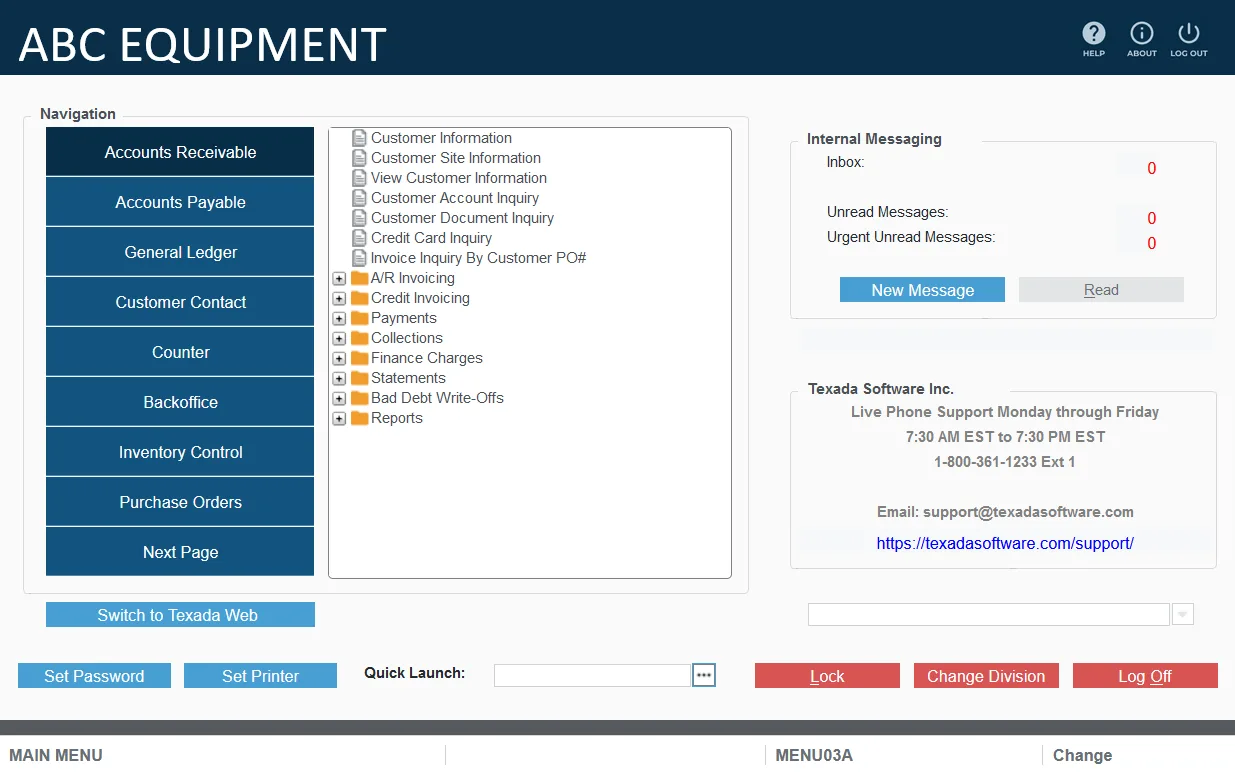
Service, Rental Management, and Financials (Classic) was carefully designed with the user in mind, combining clean visuals, intuitive navigation, and a highly organized structure. Expandable folders group related functions, keeping the interface clutter-free while ensuring quick access to key features.
Every detail, from layout to functionality, was crafted to make daily operations as simple and efficient as possible.
Access AR functions such as creating Invoices, processing payments, and reviewing customer account balances.
Manage vendor profiles, vendor Invoices, and outgoing payments.
Manage periods, post journals, reconcile bank accounts, and produce accurate financial statements.
Manage customer profiles, update contact information, review transaction histories, and handle customer-specific pricing and preferences.
Perform counter operations such as creating Quotes, Reservations, and Contracts, assigning Pickup and Delivery Tickets, and performing Returns and Exchanges.
Perform cycle billing, complete the daily close process, and manage operator time charges.
Adjust inventory, perform stock inquiries, and review equipment histories.
Create, track, and process purchase orders (POs) from suppliers.
Create, assign, and track Work Orders.
Facilitates seamless processing of sales and rental orders, from initial entry to fulfillment.
Access a variety of reports to analyze financial data, equipment utilization, inventory turnover, and other business metrics.
Contains a wealth of tools for configuring the system and aligning its behavior with your business requirements.
Manage your organization’s integrated E-Commerce customer access portal, including configuring portal settings, managing customer access, and monitoring current active sessions.
Track employee work hours and job assignments, streamlining payroll processing and project management.
Offers a suite of tools for importing and exporting data, backing up the system, and performing other administrative tasks.
Provides capabilities for managing customer and equipment data, ensuring accurate records and supporting informed decision-making.
Service, Rental Management, and Financials (Classic)’s middle pane acts as a versatile navigation and search hub, allowing users to locate and access specific programs, functions, and menu items efficiently. Combining a detailed menu tree view with a powerful Quick Launch search feature, this area is particularly beneficial for users who are familiar with the system’s capabilities and prefer text-based navigation for speed.
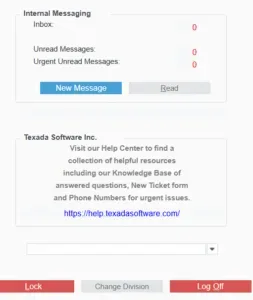
The rightmost section of Service, Rental Management, and Financials (Classic) is the Internal Messaging and Help Center access area. The key areas to note are:
The help button in the top-right corner of Service, Rental Management, and Financials (Classic) can be used to quickly access help materials.
This button is context sensitive, meaning that clicking it will open documentation for the function or window that is currently open. This is a fantastic way to troubleshoot difficulties or learn more about the system!